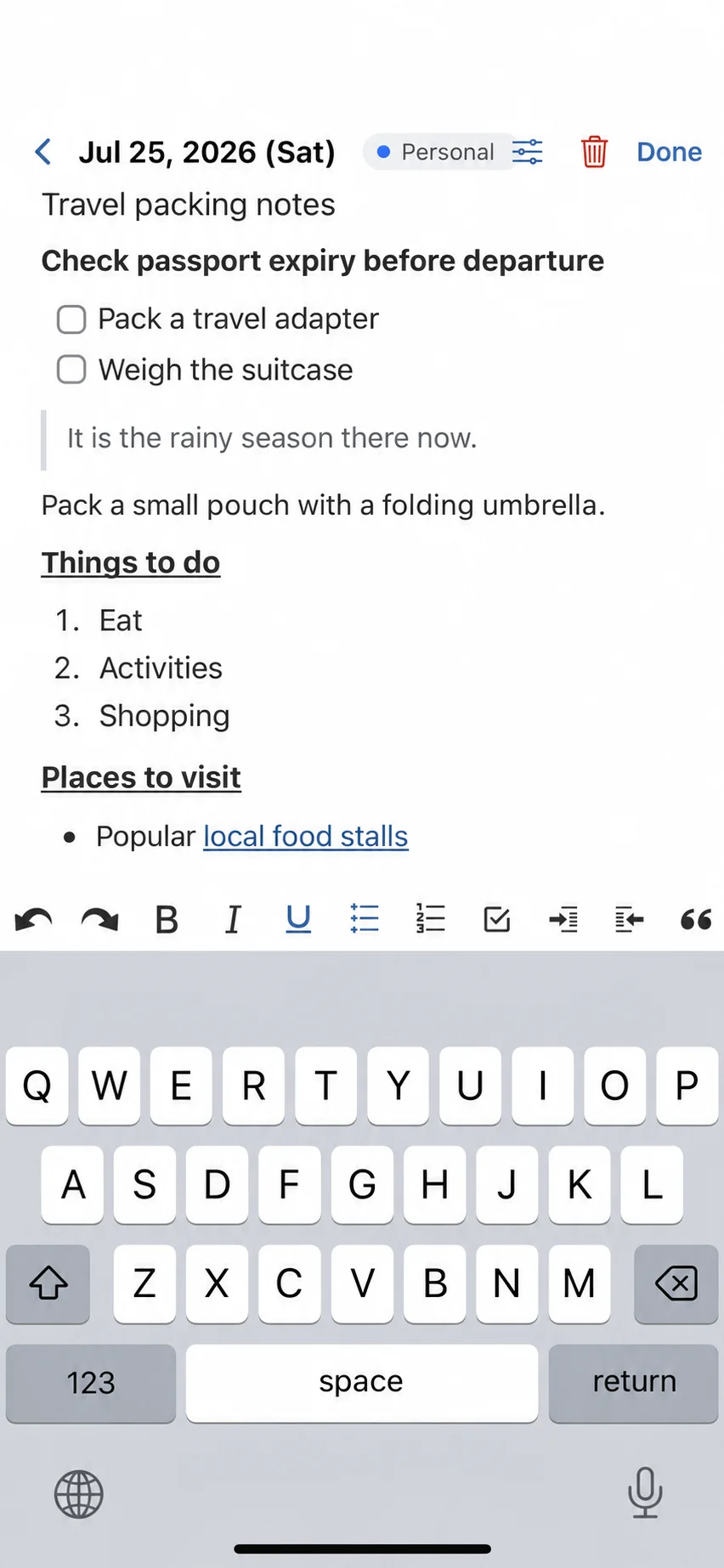
Get your packing list
in order
Highlight important preparations in bold and turn what you need to pack into a checklist. Keep your plans for the trip alongside them.
 A calendar with a rich text editor
Bold, underline, checklists, quotes and links.
Keep more than a quick note, organized by date.
Your calendar and notebook, together.
More than a memo
Most calendars leave room for an event name or a short note. Calendar Memo lets you organize the day's thoughts with headings and lists, so they are easy to read again. That is the idea behind Calendar Memo.
Highlight important preparations in bold and turn what you need to pack into a checklist. Keep your plans for the trip alongside them.
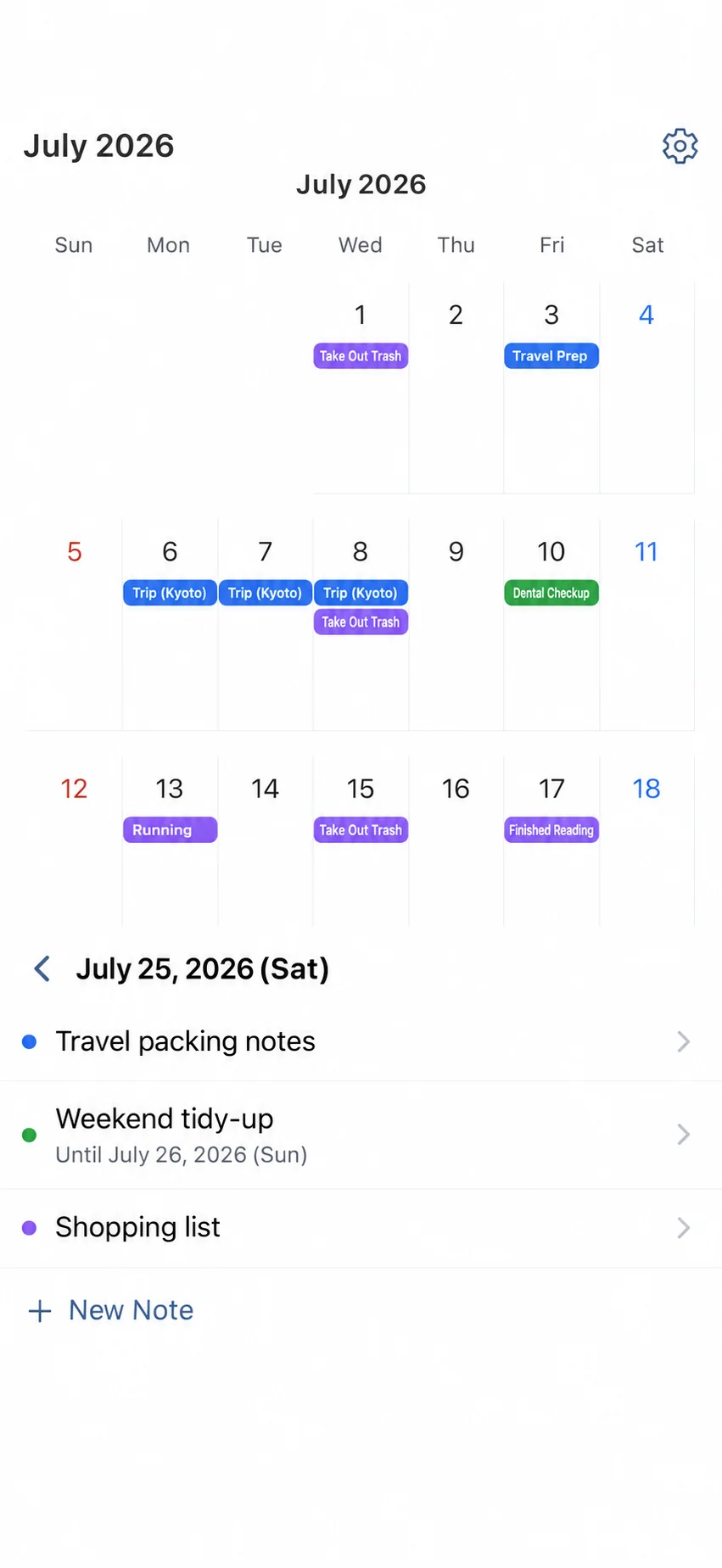
Review notes for travel, tidying up and shopping, all together on the day you wrote them.
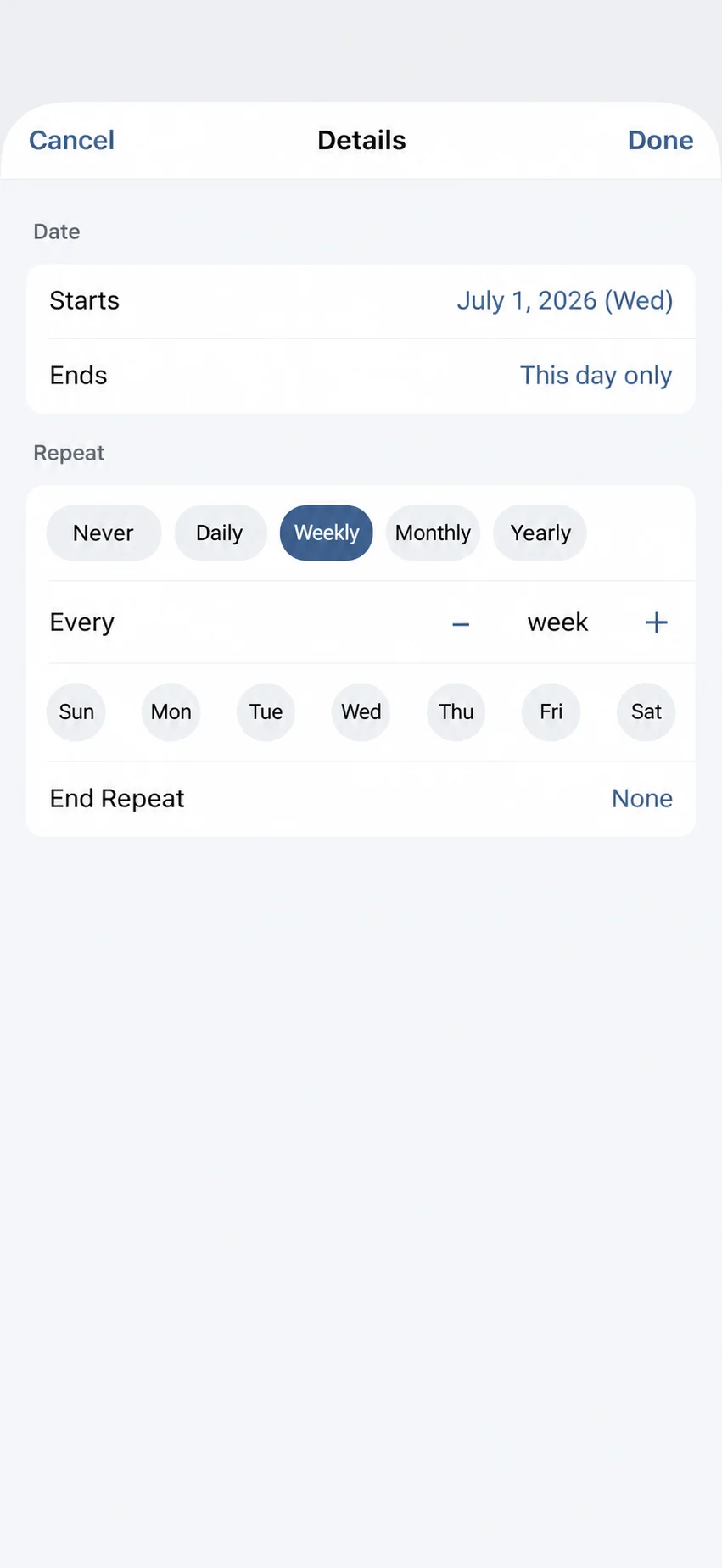
Choose daily, weekly, monthly or yearly repeats, with options for weekdays and intervals.
A real rich text editor
Rich text is not about writing more. It is about making your notes easier to understand.
Instead of simply listing what we discussed, highlight the key points and organize the next steps.
Supports bold, italics, underline, lists, checklists, quotes and links
Use bold for what matters, checklists for what needs doing and quotes for words worth keeping. Write things the way you want to remember them.
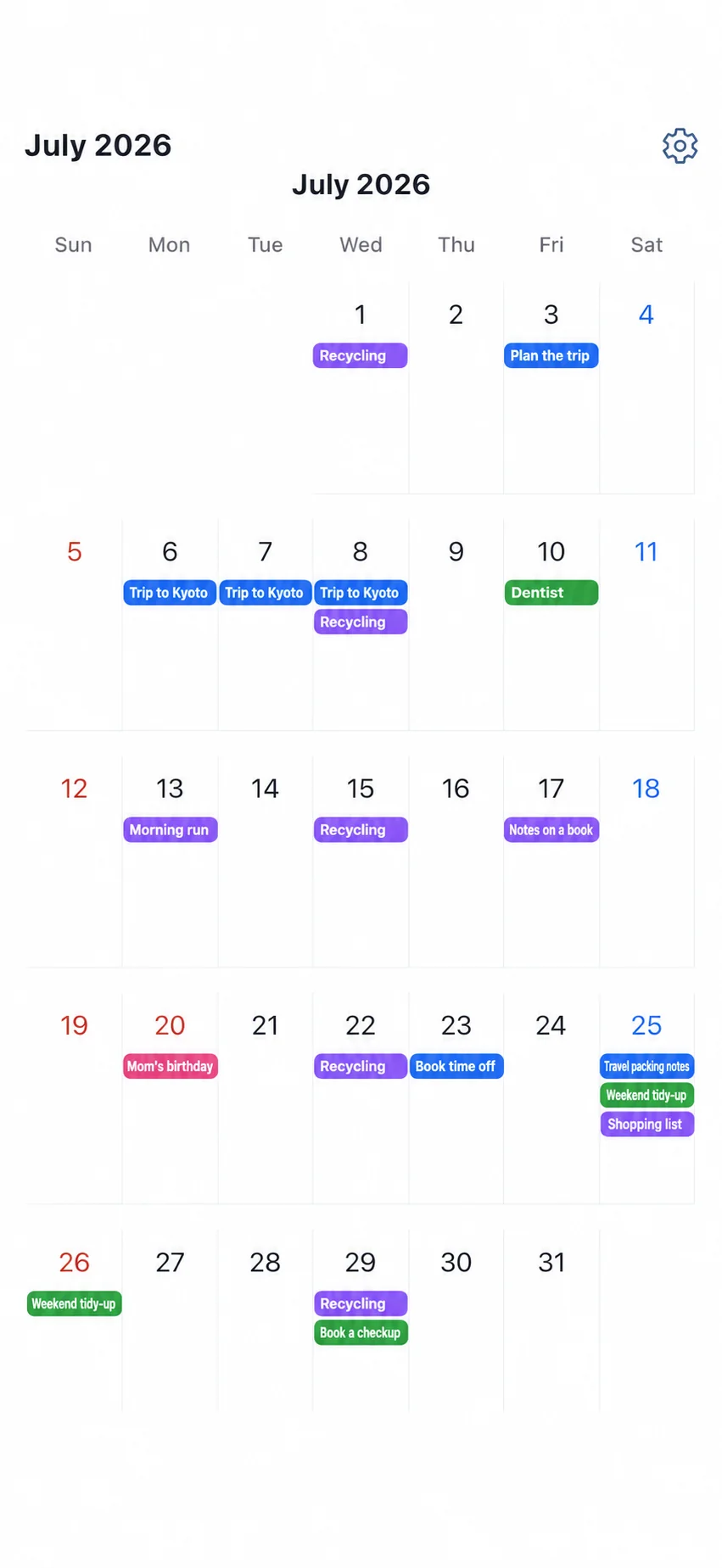
The first line of each note appears in that day's calendar cell. No folders to organize: just look back through your calendar to find your entries.
Simple by design
Keeping a writing habit starts with being able to write easily, not with having more features.
Choose the day you want to write about.
No title or folder needed.
Tap Done to save. If you go back with unsaved changes, you can choose to discard them or keep editing.
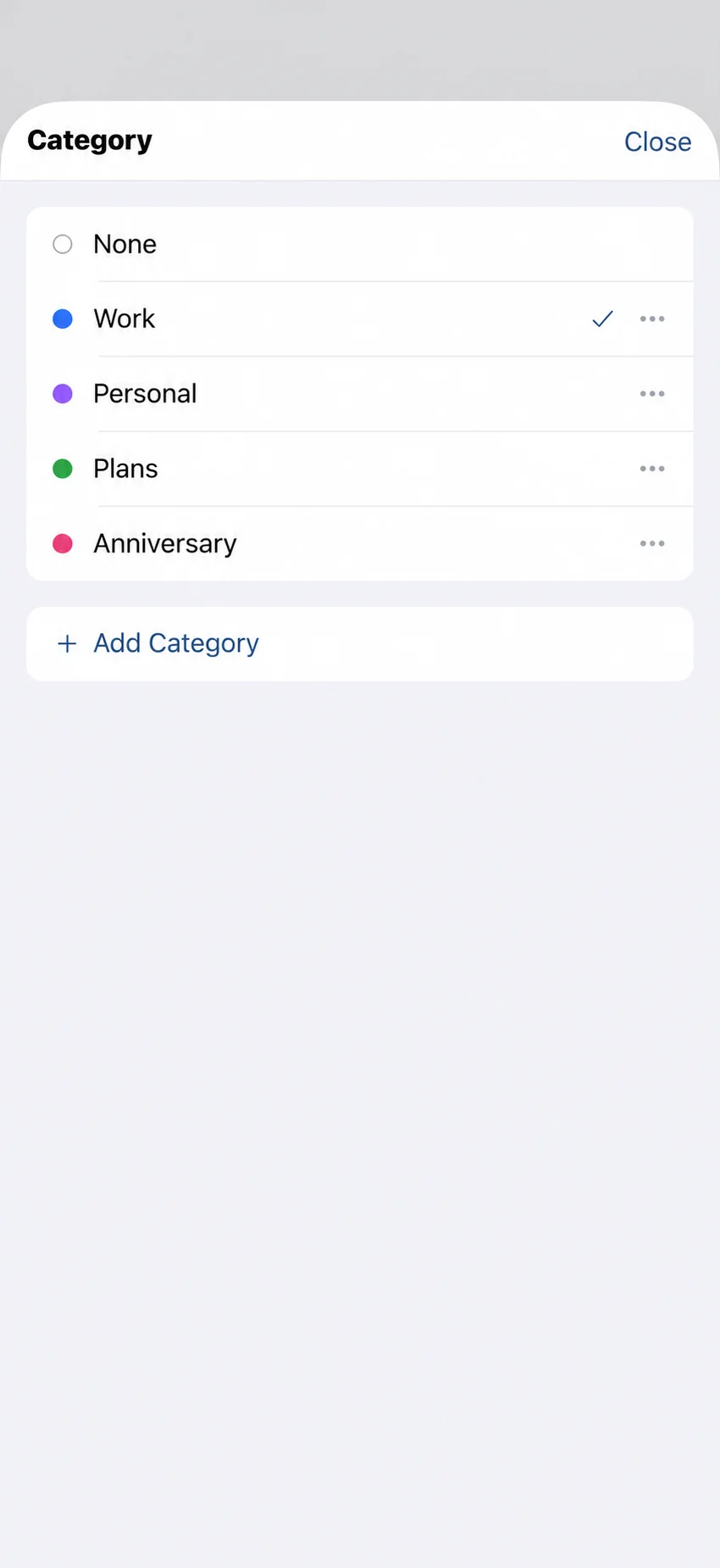
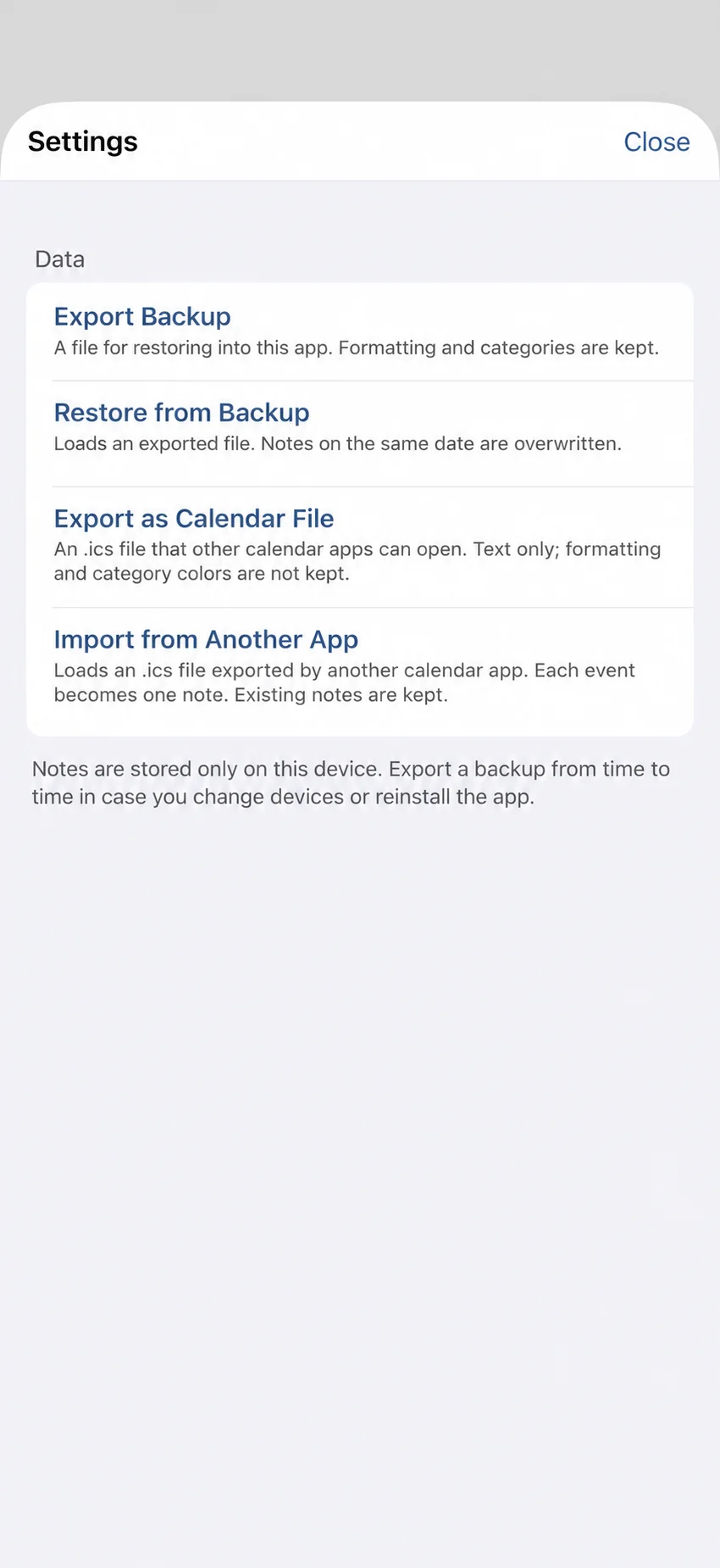
Inside the app
A calm interface that keeps the focus on your writing.
These illustrative screens have been localized with AI. The actual display may vary.
Your notes, your device
We do not send your note contents to our servers. See the privacy policy for how advertising and purchase data are handled.
Read the privacy policy →A few things to know before you start.
No. You can start using the app as soon as you download it.
Your note contents are stored on your device and are not sent to our servers. Please see the privacy policy for information about advertising and purchase data.
The app does not impose its own character limit. The rich text editor gives you room for detailed journal entries. Capacity depends on your device's available storage and performance.
Yes. There is an optional one-time purchase to remove ads, not a subscription. Check your App Store for the current price.
Yes. Export a backup file and import it on your new device. This is not automatic syncing, so save a backup before changing phones.
Yes. Alongside managing plans, you can keep a diary or record your day. Choose a date and write using lists and text formatting.
The app supports 41 language and region settings, including Japanese, English, Chinese, Korean, German and French. See the language selector on this page for the full list.
Calendar Memo Blog
Ideas for using a planner and keeping notes by date.

主婦の手帳の書き方を、献立・買い物・家族の予定の見本で短く整理。1週間の献立、買い物チェックリスト、繰り返す予定、4色の分け方をまとめました。
Read the article (Japanese)
手帳の色分けを、4色までのルール例で短く整理。仕事・プライベート・家族・お金の分け方、4色ボールペン、蛍光ペンとシール、日記アプリのタグの絞り方をまとめました。
Read the article (Japanese)
手帳に誕生日を書く方法を、年間ページ・マンスリー・誕生日リスト・色とシールに分けて短く整理。毎年書き写さない別冊や5年手帳、カレンダーの繰り返し方もまとめました。
Read the article (Japanese)A proper notebook in your calendar.
Calendar Memo is free to use.